Rajan Kumar
Founder, BiodataBuilderRajan built BiodataBuilder to help millions of Indians create professional marriage biodatas easily. With expertise in Indian matrimonial traditions and 2M+ biodatas created on the platform, his guides cover every regional format, community custom, and modern best practice.
Last Updated:
Biodata Format in Word for Marriage: Why PDFs Are Better
Millions of families search for Microsoft Word templates for matchmaking. But sending a `.docx` file on WhatsApp is a guaranteed way to ruin your first impression. Here is why you should switch to PDF immediately.
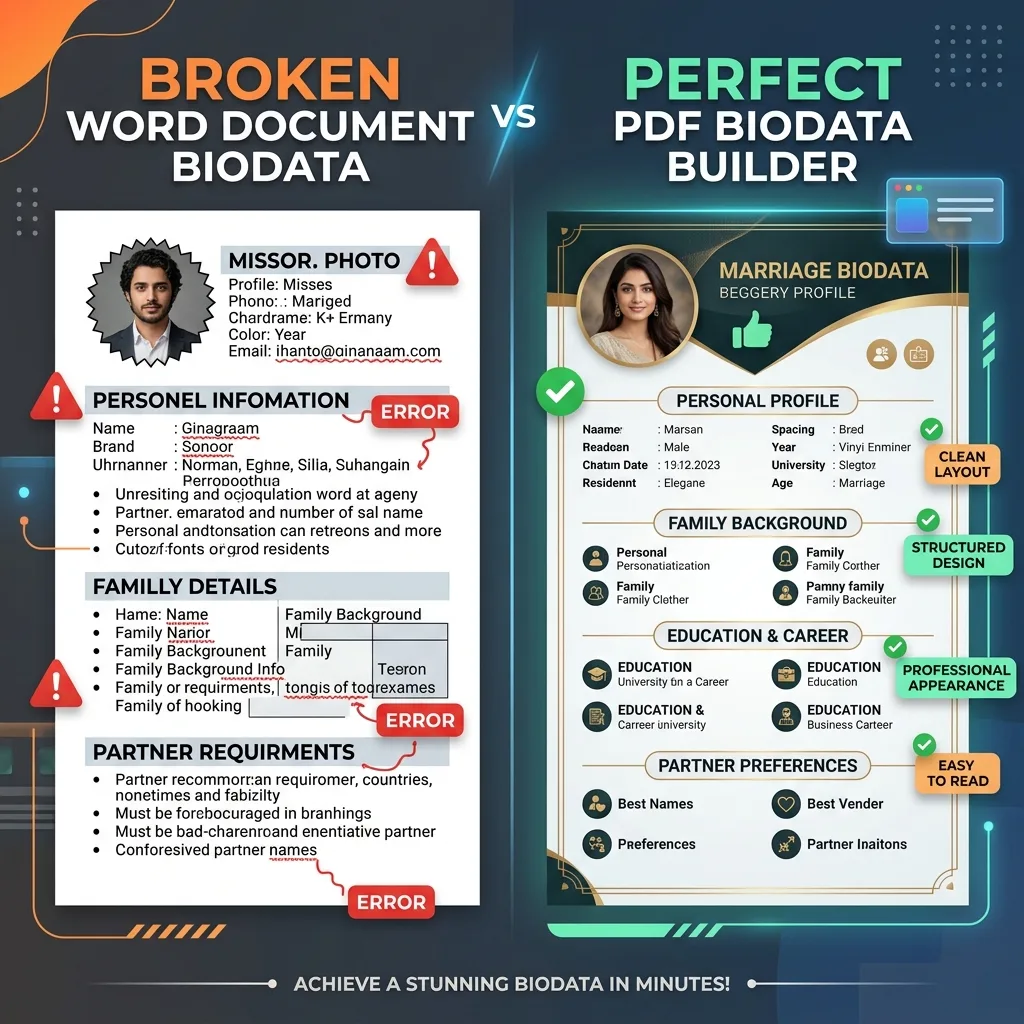
TL;DR - Why You Should Avoid Word Documents
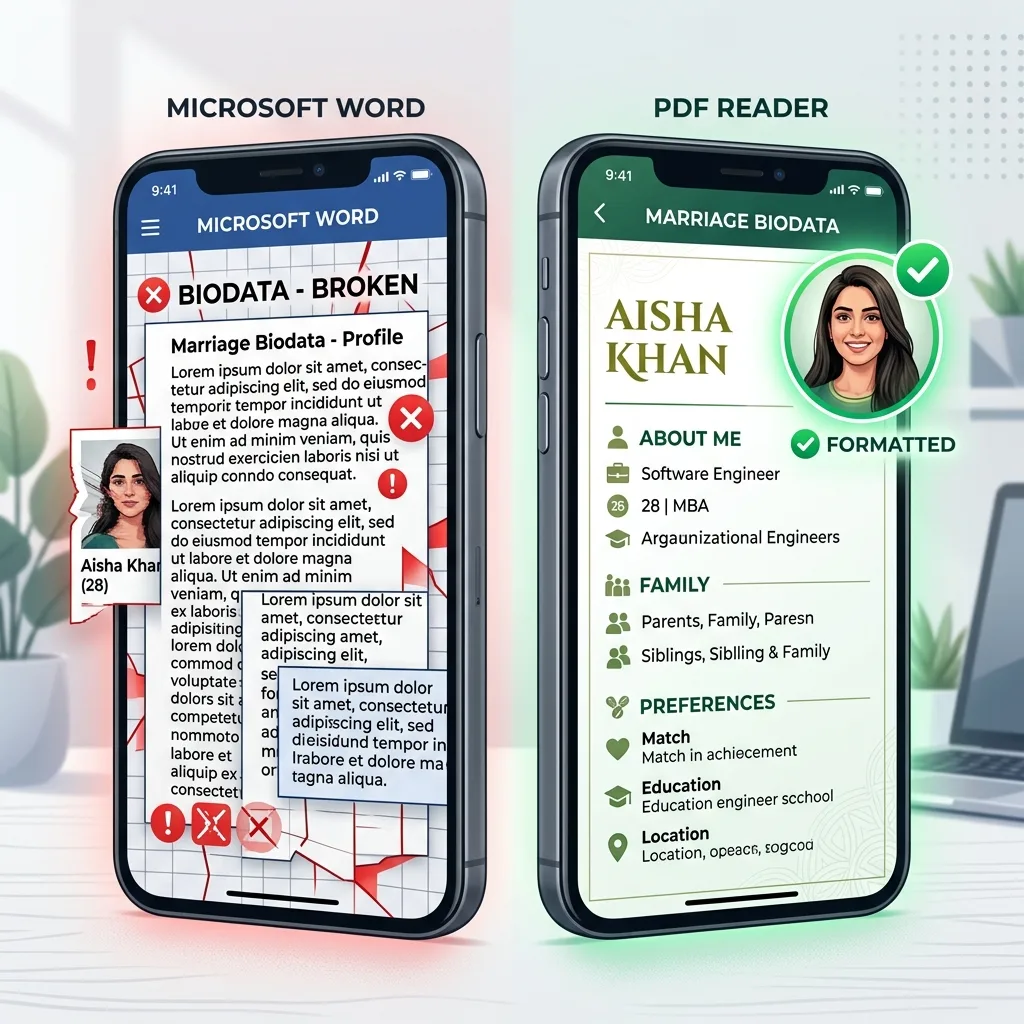
- Formatting Breaks: A `.docx` file will look completely different on an iPhone versus an Android phone. Fonts change, photos move, and borders break.
- Looks Unprofessional: Sending an editable Word document looks like a draft, not a final, polished profile.
- The Fix: Always use a dedicated PDF biodata maker. PDFs lock your design perfectly in place.
1. The Illusion: Why People Search for Word Formats
The appeal is obvious. You need a wedding biodata format, and Microsoft Word seems like the most accessible tool. Most people search for a Word download because they want:
- A pre-designed template so they don't have to format from scratch.
- Something that looks professional without needing to hire a graphic designer.
- A file they can quickly edit offline and share with family.
These are all completely reasonable goals! But to understand why Word is no longer the right tool, we have to look at history.
The Desktop Era vs. The WhatsApp Era
Fifteen years ago, Microsoft Word was the undeniable standard for marriage biodatas. Why? Because matchmaking happened in person. You went to an internet cafe, typed out your details on a desktop computer, and printed 20 physical copies to hand out to relatives and matchmakers. In a world of physical paper, Word was perfect.
Today, 99% of matchmaking happens on a 6-inch mobile screen via WhatsApp. A desktop-first format like Word was simply never designed to be sent through a chat app and viewed on hundreds of different Android and iOS devices. While Word is great for typing essays, it is the absolute worst tool for highly designed documents meant to be shared digitally.
2. The 4 Major Ways Word Fails on Mobile
Failure 1: Layouts Break on Other Phones
When you share a Word wedding biodata format as a `.docx` on WhatsApp, the person who opens it on a different device sees a completely different document. This happens due to two major technical limitations:
- The Font Substitution Problem: You might spend hours downloading and using a beautiful, elegant calligraphy font on your laptop. But when you send that file to a matchmaker, their smartphone won't have that specific font installed. The phone will automatically substitute it with a boring, unformatted default font (like Calibri or Times New Roman). Your elegant design instantly becomes a messy, hard-to-read block of text.
- Table Nightmares: Most Word biodata formats use hidden tables to align details (e.g., placing "Height: 5'8"" perfectly next to "Education: B.Tech"). On a small mobile screen, these tables collapse. A long address or a detailed family background section will suddenly push columns out of alignment, breaking borders and causing text to spill wildly onto the next page. This is especially disastrous if you are trying to use a modern vs traditional biodata design with complex column structures.
Failure 2: You Need a Paid Microsoft App
Properly editing a highly designed Word document requires a licensed version of Microsoft Word. If you try to open a complex template in free apps like Google Docs or mobile viewers, the formatting is immediately destroyed.
Failure 3: The "Floating Image" Curse
Adding and correctly aligning a profile photo in a matrimonial biodata format Word document is notoriously frustrating. Anyone who has used Microsoft Word knows the pain of inserting an image.
- Unpredictable Text Wrapping: The moment you drag a photo into the document, the surrounding text often shatters. Sentences get pushed to random pages, and aligning the photo neatly in the top right corner feels like an impossible wrestling match.
- Formatting Limitations: Trying to crop a standard rectangular photo into a modern, neat circle with a colored border—a staple in premium biodatas—is incredibly tedious for most users in Word.
- File Size Bloat: Pasting high-resolution smartphone photos directly into a Word document balloons the file size. A 15MB Word document takes longer to download on a spotty mobile data connection, leading to a poor user experience before the family has even viewed your profile.
Failure 4: It Looks Generic and Cheap
Free Word biodata templates all look the same — default fonts like Times New Roman and plain black borders. In matrimonial matchmaking, first impressions matter enormously. A dull biodata signals that you haven't put effort into the process. Compare this to a premium Hindu marriage biodata or a beautifully designed girl's biodata profile which immediately communicates status and care.
The Hidden Danger: Privacy Risks with Word Documents
Aside from formatting issues, sending a `.docx` file introduces a significant privacy risk. A Word document is, by definition, editable by anyone.
When you send your biodata to a matchmaker or a distant relative, they can easily alter your information before forwarding it. They could accidentally (or intentionally) change your stated income, your height, or your expectations to push forward a match you wouldn't otherwise accept.
A PDF, on the other hand, is a read-only snapshot. It acts as a digital seal of authenticity. What you export is exactly what the final recipient will read, ensuring your details are communicated exactly as you intended. To learn more about what to include securely, read our comprehensive guide to marriage biodata.
If You MUST Use Word: 3 Critical Best Practices
We highly recommend skipping Microsoft Word entirely. However, if you are stubbornly committed to using a `.docx` file because you found a template you love, you must follow these three rules to prevent your biodata from breaking on someone else's phone.
1. Always "Save As PDF" Before Sending
Never, ever send the raw `.docx` file on WhatsApp. Once your design is complete, go to File > Save As and select PDF. This locks your text, tables, and photos into a digital printout. If you don't do this, all your hard work will unravel the moment the matchmaker opens it.
2. Embed Your Custom Fonts
If you used a beautiful font like "Great Vibes" or "Playfair Display", you need to force Word to save that font inside the document. Go to Word Options > Save > Embed fonts in the file. Warning: this will drastically increase your file size, but it is the only way to stop phones from replacing your elegant typography with generic system fonts.
3. Use Invisible Tables for Alignment
Do not use the "Spacebar" or "Tab" key to align your columns. Create a two-column table, put your labels (e.g., "Education") in the left column and your details in the right column. Then, select the table, go to Table Properties > Borders and Shading, and remove all borders. This is the only way to keep text aligned.
The Ultimate Pivot: Sound exhausting? It is. Instead of wrestling with font embedding and invisible tables, you can use BiodataBuilder to handle all of this automatically in 5 minutes.
3. The Solution: Why PDF is the Only Option
Instead of wrestling with a Word template, you should generate a PDF using a purpose-built biodata maker like BiodataBuilder. Here is why PDF is the industry standard:
✅ Consistent Output
The design is pixel-perfect on every screen. The family in Delhi and the family in Mumbai see the exact same beautiful document, exactly as you designed it.
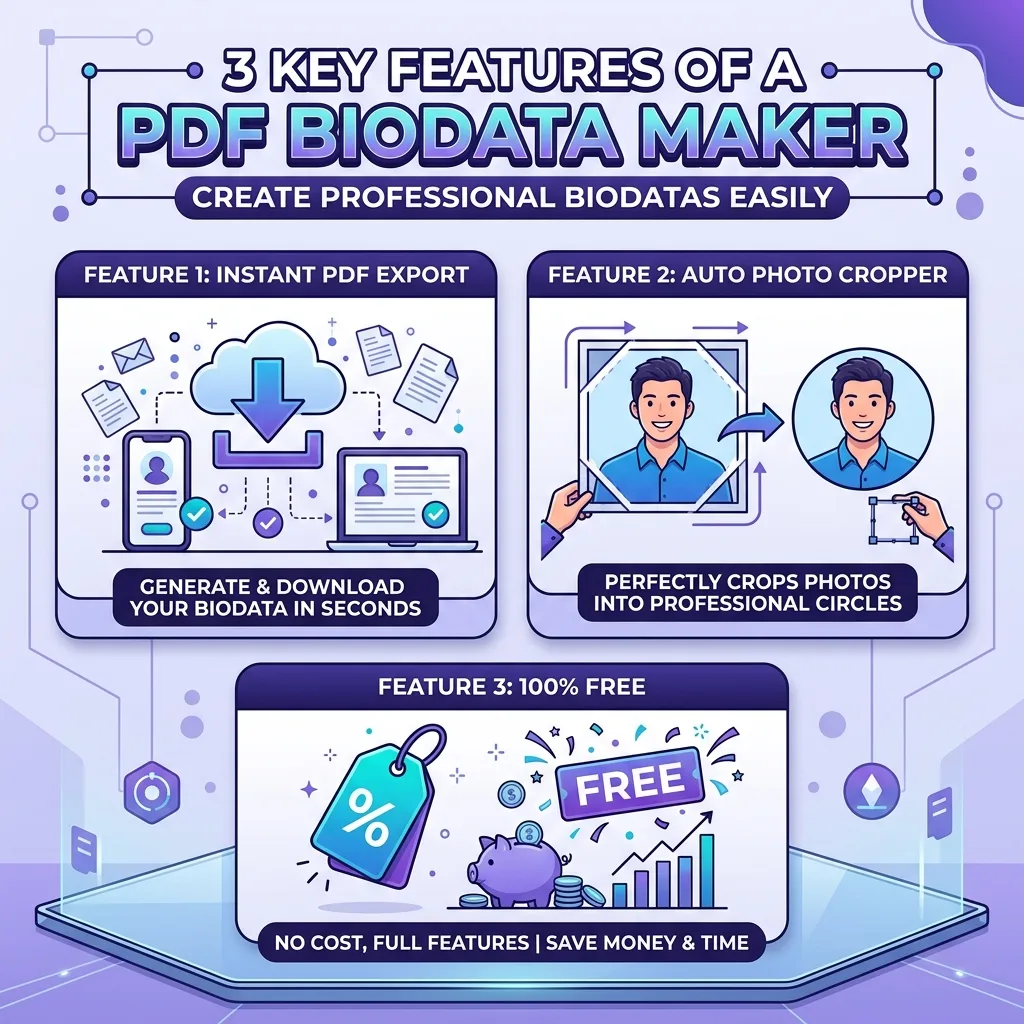
✅ One-Click Photo Crop
Upload your photo and our system instantly crops it into a perfect circular or square frame. No formatting headaches or floating images.
✅ Premium Designs
Choose from beautiful traditional and modern themes. Instantly switch between designs without re-entering any of your data.
✅ 100% Free & Fast
No Microsoft subscription. No software downloads. No sign-up required. Create a stunning PDF in 5 minutes straight from your phone.
Word vs. Google Docs vs. PDF Biodata
Many people looking for a Word format end up searching for a Google Docs marriage biodata as an alternative. While Google Docs solves the "sharing" problem (since you can just send a link), it introduces its own set of issues. Here is how the three formats compare:
| Feature | Microsoft Word | Google Docs | PDF (BiodataBuilder) |
|---|---|---|---|
| Design & Aesthetics | Basic / Generic | Basic / Generic | Premium & Modern |
| Mobile Formatting | Breaks on open | Consistent via link | Pixel-perfect file |
| Photo Cropping | Nightmare | Difficult | Automatic 1-Click |
| Privacy / Security | Editable by anyone | View-only (if set right) | Locked Document |
In summary, while Google Docs is a slight step up from Word because it doesn't break when shared as a link, it still looks like a business document rather than a matrimonial profile. A dedicated PDF builder gives you the absolute best of both worlds: offline viewing, perfect sharing, and premium design.
How to Convert Your Old Word Biodata to a Modern PDF
If you already have a basic biodata typed out in Microsoft Word, you do not need to start entirely from scratch. Upgrading your profile is incredibly simple.
- Open your old `.docx` file on your computer or phone.
- Open the BiodataBuilder app in a new browser tab.
- Simply copy and paste your details from the Word document directly into the form fields. This takes less than two minutes.
- Select one of our premium themes. Remember, a marriage profile is not a job application—avoid confusing it with a resume or CV format. Choose a design with warm colors or religious iconography.
- Upload your photo. Our tool will automatically crop it into a perfect circle.
- Export your final, locked PDF.
Pro Tip: When saving your new PDF, name the file clearly before sharing it on WhatsApp (e.g., Ravi_Sharma_Biodata_2026.pdf). A clear filename demonstrates professionalism.
4. How to Generate a Free PDF Biodata Instantly
- Skip the download: Head straight over to BiodataBuilder.in/create. You do not need to download an app or create an account.
- Fill your details securely: Enter your personal, astrological, career, and family details. Our form ensures you don't forget any crucial sections like your Manglik status or income.
- Select a Premium Layout: Choose a design that reflects your personality. We offer modern minimalist layouts, traditional warm borders, and religious themes.
- Download as PDF or PNG: Instantly download your highly structured PDF. It is completely free and ready to be forwarded on WhatsApp without breaking.
5. Frequently Asked Questions
Can I create a marriage biodata in Microsoft Word?
Yes, but it's heavily discouraged. Word documents break formatting on different phones — fonts change, photos move out of place, and borders disappear. A dedicated biodata maker creates a pixel-perfect PDF that looks the same everywhere.
Where can I download a free marriage biodata format for Word?
While Word templates exist, they all share the same structural problems. A better free alternative is BiodataBuilder.in — pick a template, fill in your details, and download a perfect PDF in under 5 minutes without needing Microsoft Word.
What format should a marriage biodata be sent in?
Always PDF. PDFs preserve the exact layout, fonts, and design on every screen and device. Word documents (.docx) commonly break when shared on WhatsApp or opened on different mobile phones.
Is BiodataBuilder really free to use?
Yes — completely free. No registration, no watermarks across your content, no hidden subscription charges. Create as many biodatas as you want and download them as PDF or PNG instantly.
How do I insert a round profile picture in a Word biodata?
It is notoriously difficult to crop and perfectly align a round photo in Microsoft Word without breaking the surrounding text. The easiest solution is to use BiodataBuilder, which automatically crops your uploaded photo into a perfect circle or square in one click.
Which fonts are safest to use in a marriage biodata?
If you must use Word, stick to system-safe fonts like Arial, Calibri, or Times New Roman to ensure they load on other devices. However, if you export your biodata as a PDF, you can safely use premium, elegant fonts because the PDF format locks the typography in place.
Why is my 1-page Word biodata showing as 2 pages on my mobile phone?
This happens because mobile apps lack the specific fonts or margin settings you used on your computer, causing text to expand and spill over. Always save your file as a PDF to prevent this.
Can I edit a PDF biodata once it is downloaded?
No, a standard PDF is read-only, which protects your privacy by preventing others from altering your details. If you need to make changes, simply log back into BiodataBuilder, edit your details in the form, and download a fresh PDF for free.
Conclusion
Your marriage biodata is your first impression. Sending an editable, unformatted Word document signals a lack of effort. By switching to a PDF biodata builder, you guarantee that your profile looks premium, structured, and beautiful no matter who opens it. Stop wrestling with text boxes in Microsoft Word and create a stunning PDF today.
What to Read Next
Ditch the Word Doc. Get a Perfect PDF.
Build a premium, beautiful marriage biodata in under 5 minutes. Completely free, no watermarks, and instant PDF download.
Create Biodata FreeReady to create your biodata?
Use our free builder to make a WhatsApp-ready marriage biodata PDF in minutes.
Open free biodata maker